
We’ve all experienced that moment: searching for a piece of furniture, a bike, or an apartment on Le Bon Coin, instinctively closing the browser, then spending a minute trying to find the site in your favorites or history. A shortcut placed directly on the desktop solves the problem with a double-click. The process takes less than a minute, regardless of the browser or operating system.
Le Bon Coin Shortcut via Chrome or Edge: the Browser Method
The most reliable technique involves the browser’s built-in menu, not dragging and dropping from the address bar (which works poorly on some recent configurations). The principle is the same for both Chrome and Edge.
Open leboncoin.fr in your browser. Click on the three dots menu in the top right corner, then look for More tools then Create shortcut. A small window appears with the site name pre-filled. You can rename it at this stage, for example to “Le Bon Coin” simply.
A detail that few tutorials mention: if you check the box “Open as a window,” the site will launch without an address bar or tabs, like a standalone application. The result looks like a dedicated app, visually cleaner than a simple tab lost among ten others.
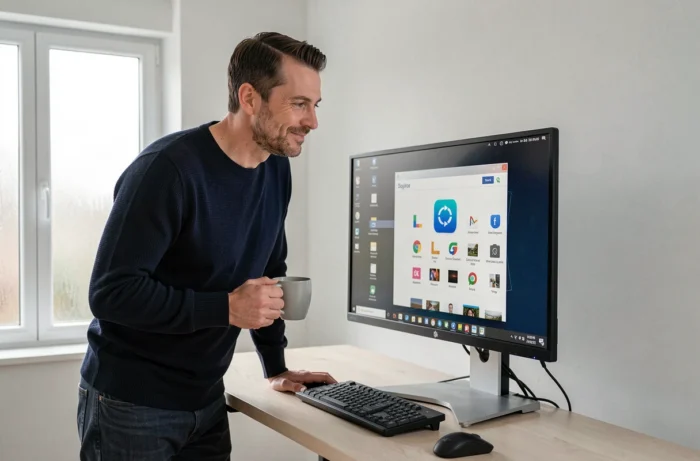
For those who want to easily add the Le Bon Coin icon with an illustrated step-by-step guide, the process is the same on Windows 10 and Windows 11. The shortcut appears immediately on the desktop, ready to use.
Creating a Le Bon Coin Shortcut on Mac: Right Click and .webloc File
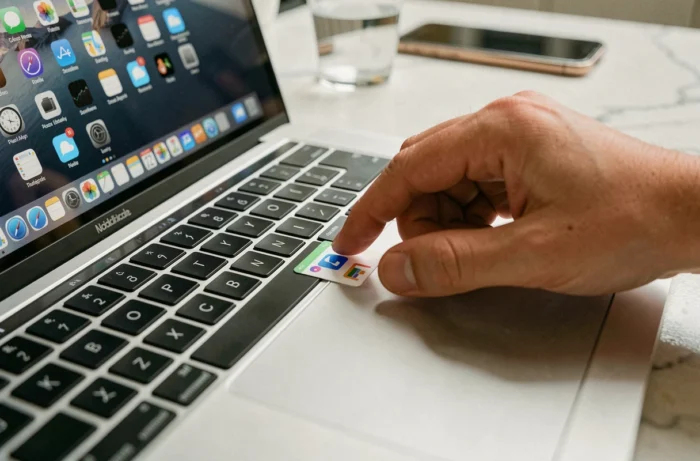
On macOS, Chrome and Edge also offer the “Create shortcut” menu, but Safari works differently. The most direct native method is to drag the URL from the Safari address bar to the desktop. A .webloc file is automatically created with the site’s favicon.
The result is functional, but the retrieved icon is sometimes tiny or blurry. We’ll revisit this in the customization section. To rename the shortcut, a simple slow click on the name (not a double-click) is sufficient.
Keyboard Shortcut for Le Bon Coin on Windows
This point often goes unnoticed in competing guides. On Windows, each shortcut placed on the desktop can receive a dedicated keyboard shortcut combination. In practice, you can open Le Bon Coin without touching the mouse.
Right-click on the shortcut, then “Properties.” In the “Internet Document” tab (or “Shortcut” depending on the version), find the “Shortcut key” field. Click in the field and press the desired key, for example the letter B. Windows automatically assigns the combination Ctrl + Alt + B.
- The shortcut must remain on the desktop or in the Start menu for the key to work. A shortcut moved to any folder loses this capability.
- Avoid combinations already used by other software (Ctrl + Alt + Del, for example, is reserved by the system).
- The shortcut key works even when the browser is closed: Windows launches it automatically.
For those who check leboncoin ads several times a day, this keyboard shortcut saves real time compared to traditional browsing.
Customizing the Le Bon Coin Icon on Windows Desktop
The favicon automatically retrieved by the browser is often small and hard to read, especially on a high-resolution screen. You can replace it with a sharper icon.
Convert an Image to .ico File
The format expected by Windows for shortcut icons is the .ico format. Free online tools (JPG to ICO or PNG to ICO converters) allow you to transform any image into a compatible file. Retrieve the Le Bon Coin logo in good resolution, convert it, then save the .ico file somewhere on your hard drive, in a folder you won’t accidentally delete.
Apply the Customized Icon to the Shortcut
Right-click on the desktop shortcut, “Properties,” then “Change icon.” Navigate to the downloaded .ico file. Confirm, and the icon updates immediately.
- If you move or delete the source .ico file, Windows reverts to a generic white icon. Store the file in a stable folder, like “C:Icons”.
- On Mac, the method involves “Get Info” then pasting the image in the top left corner of the info window.
- Feedback varies on this point: some users report that the customized icon does not display correctly after a restart on Windows 11. A refresh of the icon cache (right-click on the desktop, Refresh) usually resolves the issue.

Windows 10 or Windows 11: What Changes for Desktop Shortcuts
The procedure for creating a shortcut is almost identical between the two versions. The difference mainly lies in the right-click context menu, restructured in Windows 11 with a simplified first menu. To access “Properties” or “Change icon,” you sometimes need to click on “Show more options” to find the full menu.
A useful reminder: official support for Windows 10 ended on October 14, 2025. Machines still running this OS no longer receive security updates. The Le Bon Coin shortcut will still work, but daily browsing on an unupdated system exposes you to broader risks, especially during online transactions on ad sites.
The desktop shortcut remains the most direct method to access leboncoin without going through a search engine or a cluttered favorites bar. Between the dedicated keyboard key and the customized icon, we transform a simple link into a true quick consultation tool, suited for daily use.